Elissa
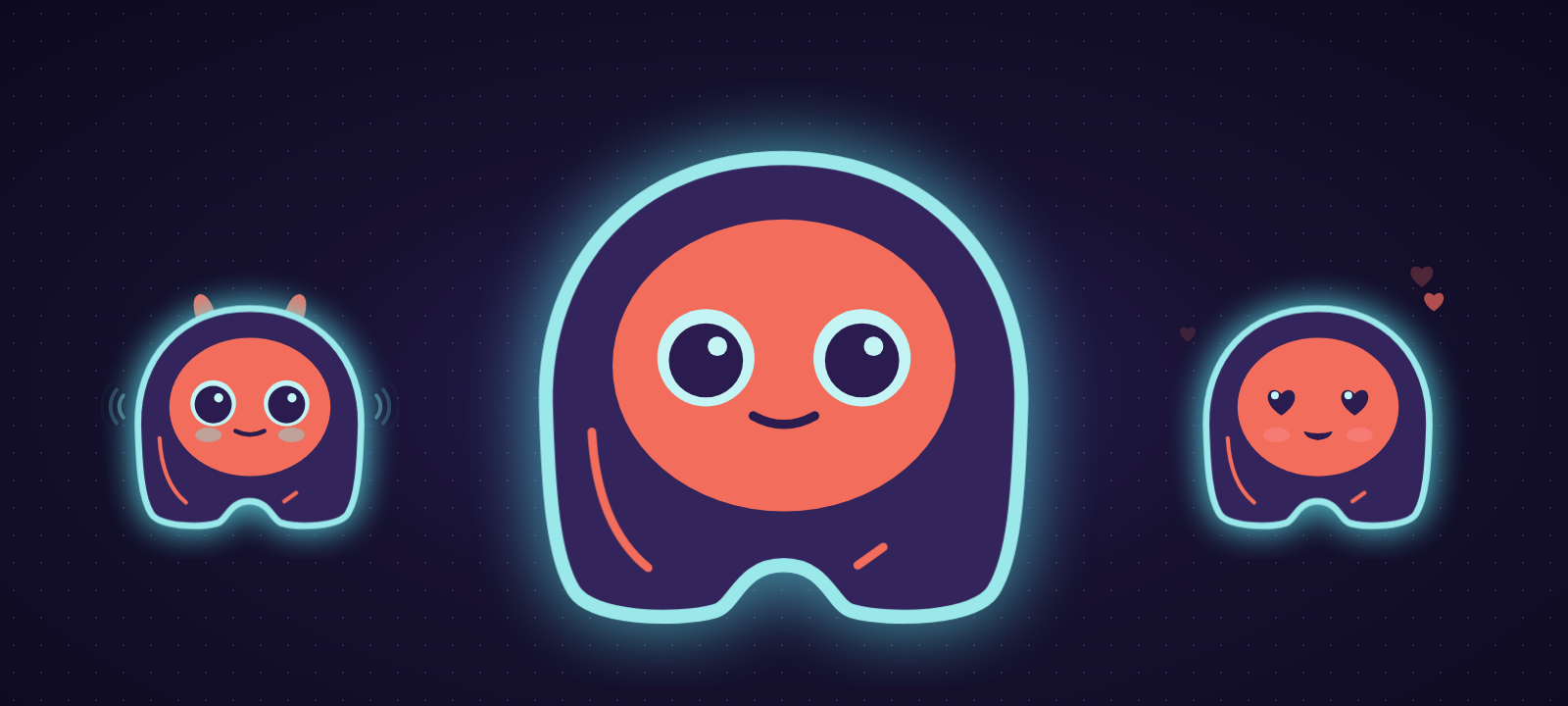
A voice assistant with a face, living on your desktop. Say "Hey Elissa" or press Ctrl+Alt+Space, and talk. She answers out loud, with any AI model, and nothing changes without your click.
How it works
flowchart TB
  A["🗣️ You talk"] --> B["👂 She understands<br>(speech to text)"]
  B --> C["🧠 Your AI thinks"]
  C --> D{"Changes<br>something?"}
  D -- no --> E["🔊 She answers"]
  D -- yes --> F["✋ Approval card"]
  F -- your click --> E
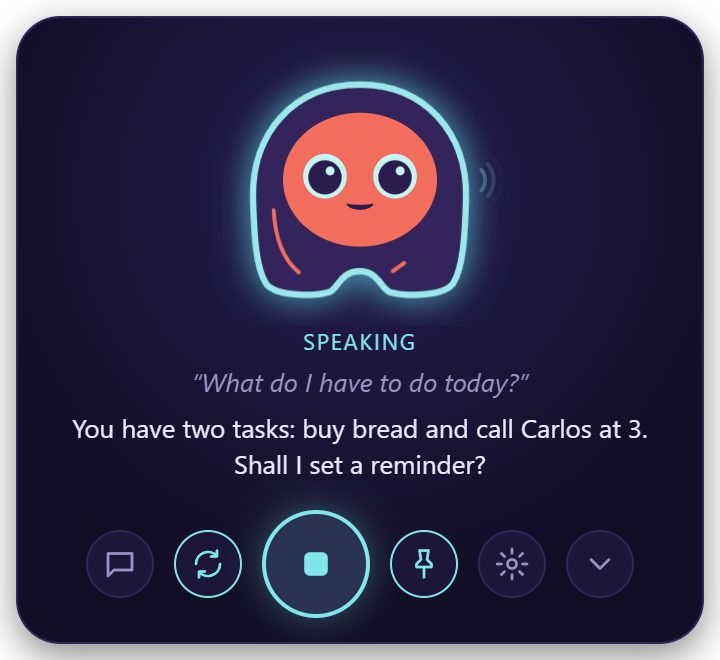
Reading, searching and answering happen on their own. Writing, sending, clicking or running anything shows you a card first, and only your click approves it.
What she can do
- Talk, hands-free, and interrupt her any time
- Any AI: OpenAI, Claude, Gemini, OpenRouter, Groq, or free and local with Ollama
- Your files: read PDF, Word, Excel; write with a diff; never delete
- Your computer: open apps and sites, and use other windows
- Timers, reminders and tasks
- Email: search, read, and send with your OK
- Code: understand a project, edit, run your tests
- Music: Spotify, pause, skip, volume
- Integrations: GitHub, Jira, Confluence, Google Calendar
- Claude Code and Codex alerts
- Memory: "what did we talk about yesterday?"
- Private: no account, no telemetry
Meet Elissa
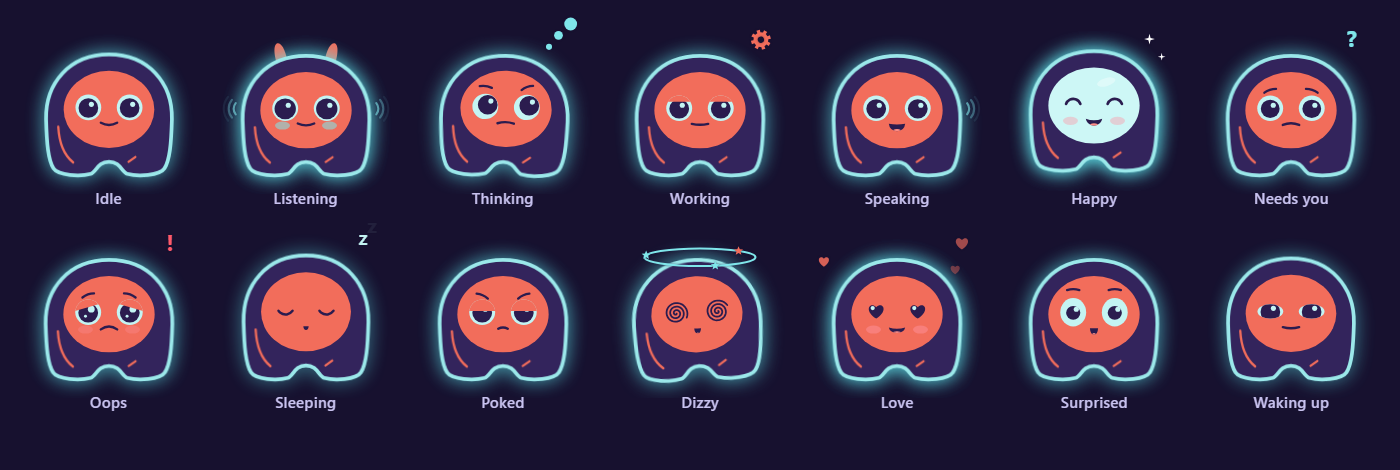
She follows your cursor, perks up her ears when she listens and shows a gear while she works. Poke her (right click) and she gets annoyed; rest the pointer on her and she sends hearts.
Systems
| Windows 10 / 11 | macOS 11+ (Apple Silicon) | Linux | |
|---|---|---|---|
| Status | Full | Preview | Preview |
What works on each system · Privacy policy · Security · Code signing policy