First steps
Four steps, about five minutes.
flowchart LR
  A["1 · Set up your AI"] --> B["2 · Let her hear you"] --> C["3 · Talk"] --> D["4 · Approve"]
1. Set up your AI
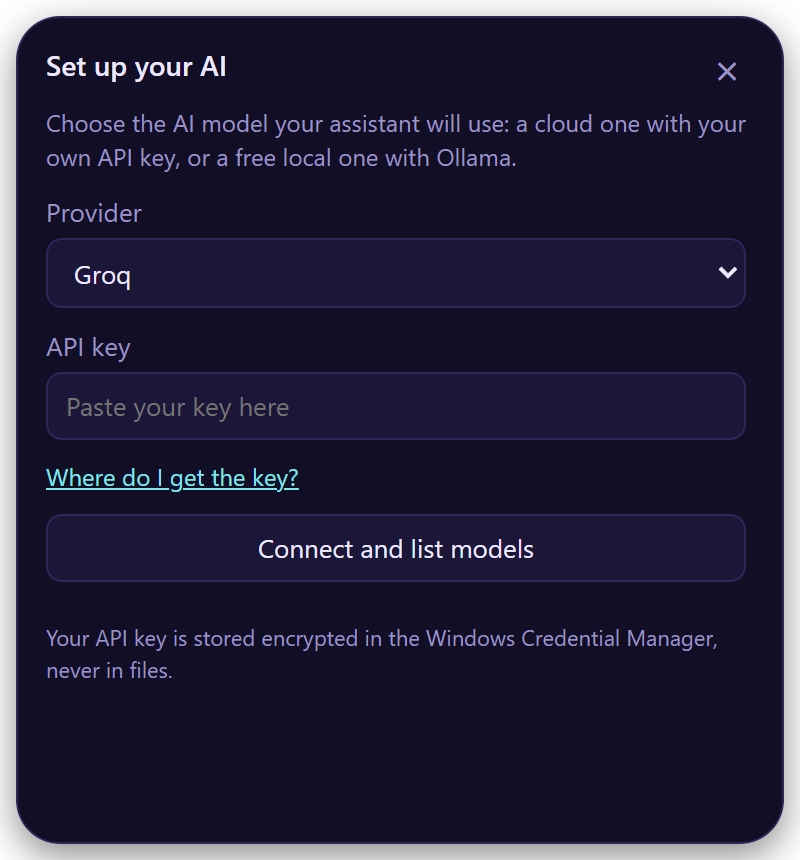
The first time, Elissa opens Set up your AI:
- Pick a provider.
- Paste your API key (Where do I get the key? takes you there).
- Connect and list models, pick one, and Save and test.
No key? No problem
Pick Ollama or LM Studio: free, and everything stays on your computer. Install Ollama or LM Studio first.
Your key goes to your system's keychain, never to a file.
All providers
| Provider | Key | Notes |
|---|---|---|
| OpenAI | GPT models | |
| Anthropic | Claude models | |
| Google Gemini | ||
| OpenRouter | Hundreds of models behind one key | |
| Groq | Very fast; also the recommended speech service | |
| Ollama | — | Free and local |
| LM Studio | — | Free and local |
| Other OpenAI-compatible server | optional | Point Elissa at its URL |
2. Let her hear you
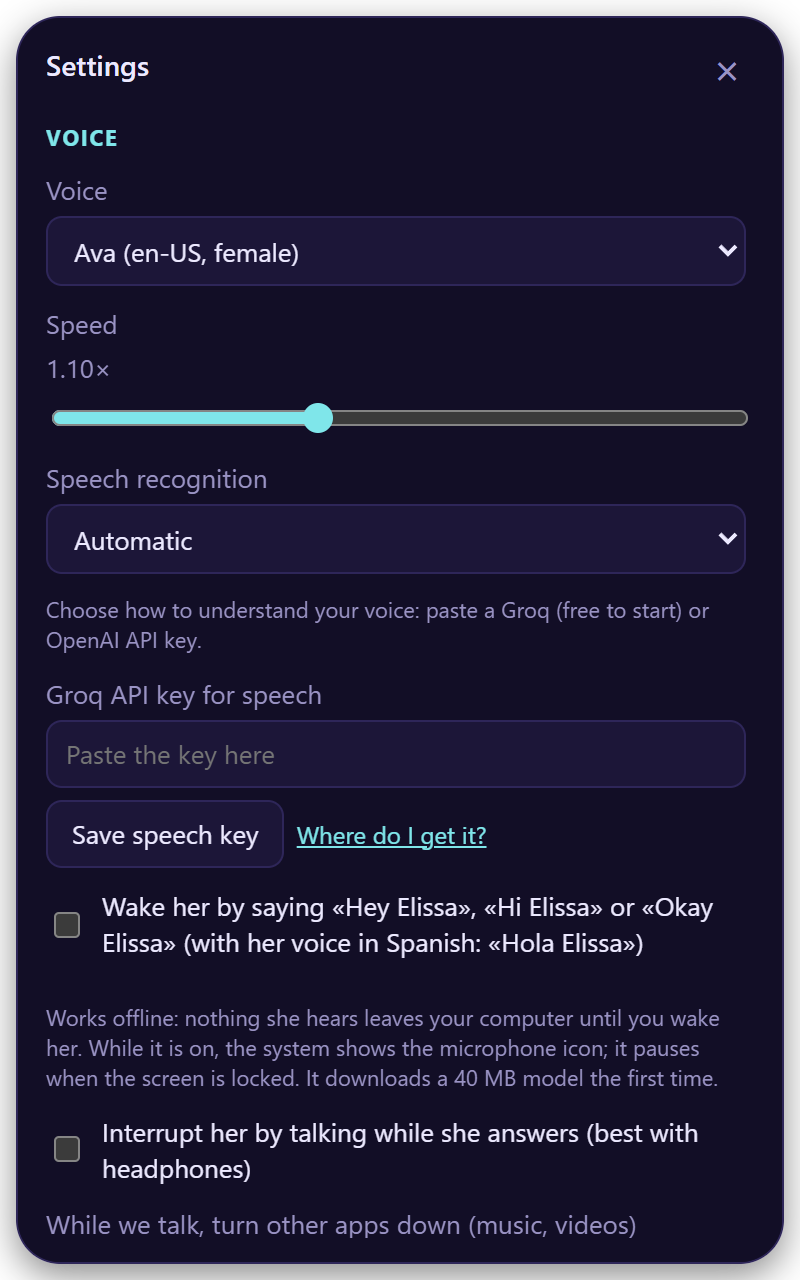
Open Settings () → Voice → Speech recognition:
| Option | |
|---|---|
| Groq | Fast and cheap, free to start. Get a key |
| OpenAI | Get a key |
| On your PC | Private and offline |
| Your own server | Any Whisper-compatible URL |
Paste the key in API key for speech and choose Save speech key.
3. Talk
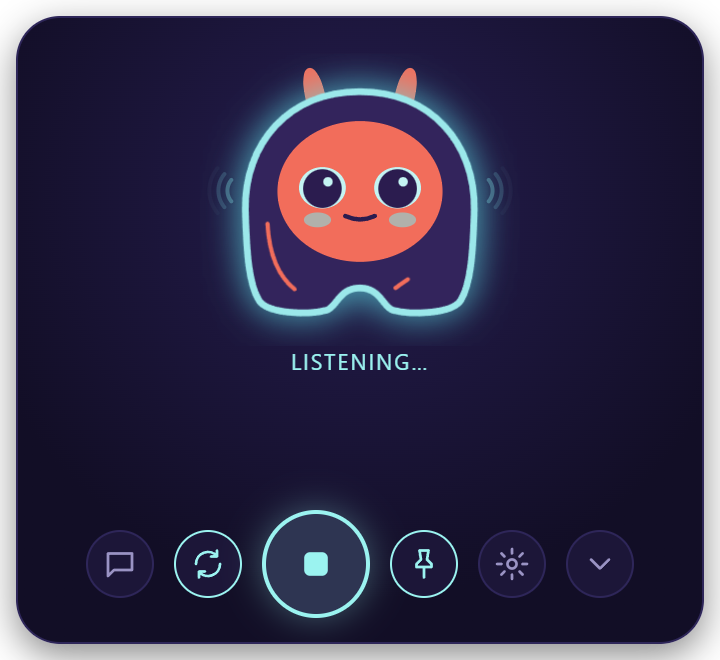
| To… | Do |
|---|---|
| Talk | Ctrl+Alt+Space, click her face, or say "Hey Elissa" |
| Stop her | Esc |
| End | "Thanks, that's all" |
| Type | |
| Hide | or "hide" |
| Ask about a file | Drop it on her |
She keeps listening after each answer, so you can just keep talking.
Wake her by voice
Turn on Settings → Voice → Wake her by saying…. It works offline and pauses while your screen is locked.
4. Approve what she does
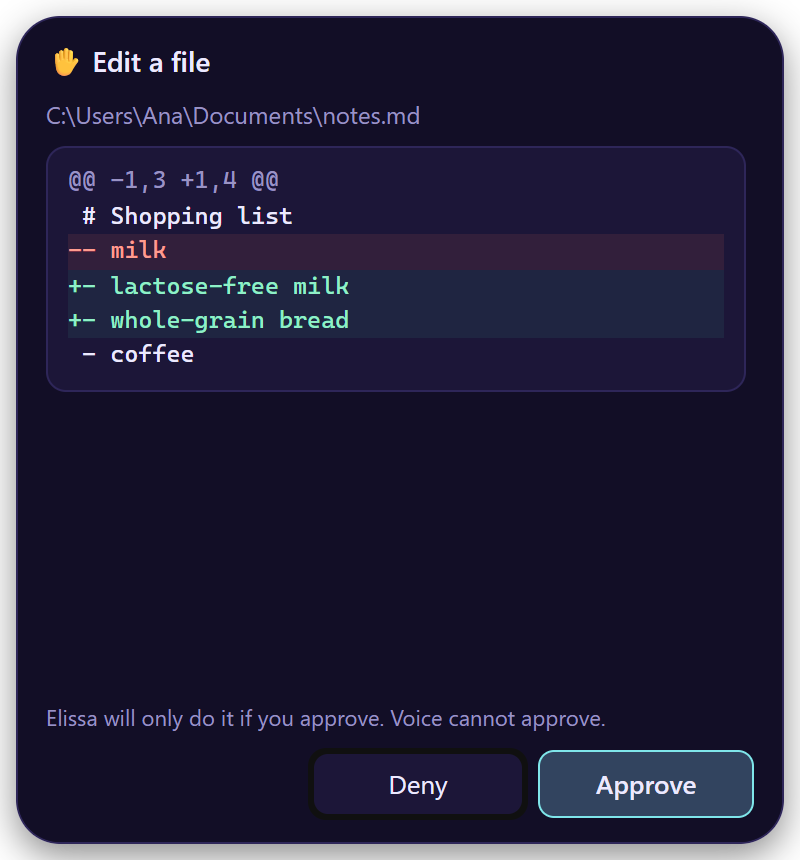
Before changing anything, Elissa shows a card with exactly what will happen. Only your click on Approve does it; Esc or Deny cancels it.
Your voice, the shortcut and the AI can't approve.
Next: everything you can ask her · Settings